






TradingView has revolutionized how modern traders analyze financial markets, but its full potential is unlocked when you pair its world-class charting with a direct-execution broker. Instead of toggling between complex charting software and a separate trading platform, TradingView-integrated brokers let you place, modify, and monitor trades directly on live price charts.
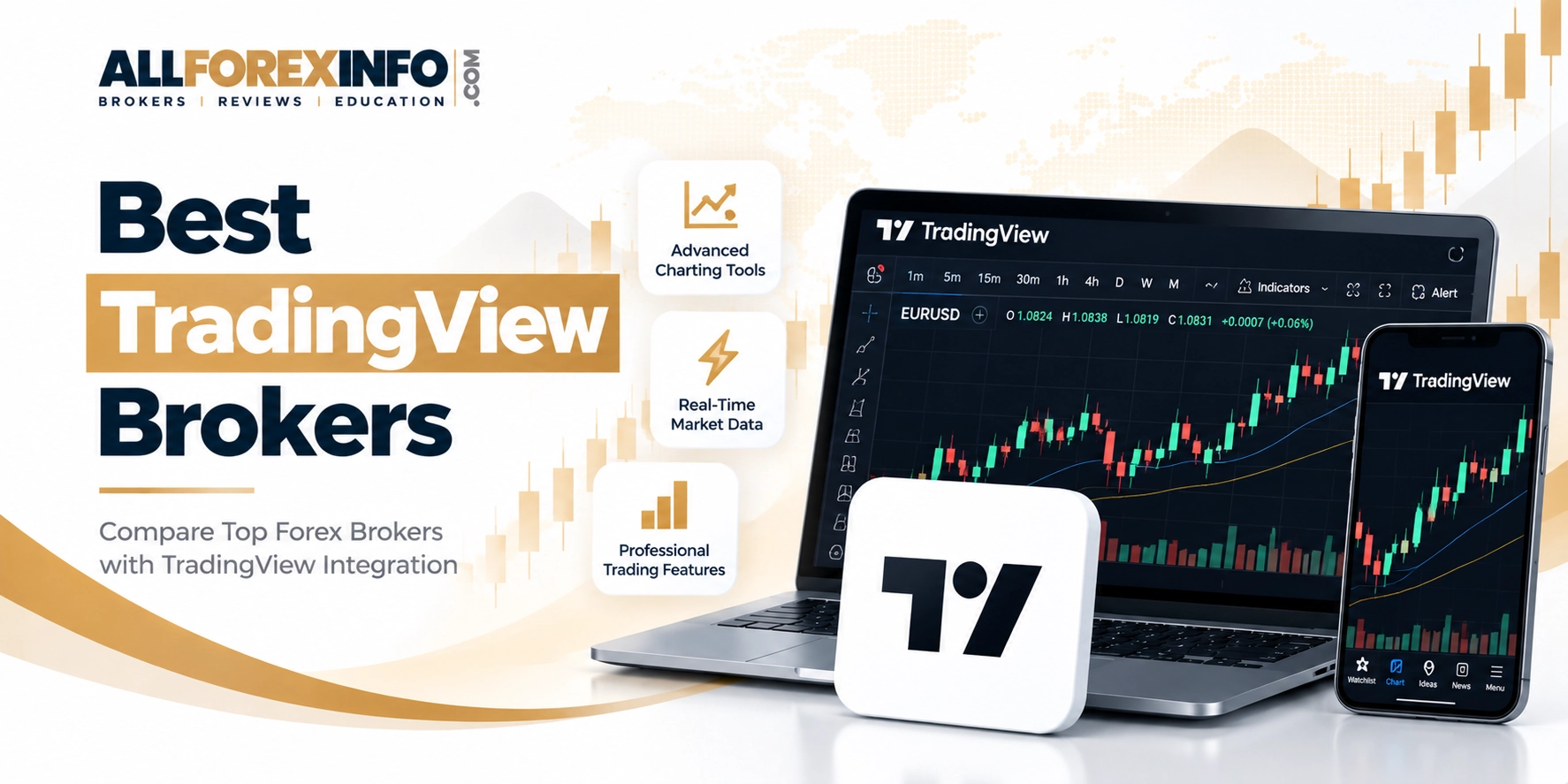
Whether you trade Forex, stocks, crypto, or indices, choosing a broker with seamless TradingView integration gives you institutional-grade technical analysis alongside tight spreads and fast order routing. Below is everything you need to know about how TradingView brokers work, how to connect your account, and why this setup is the preferred workflow for active traders worldwide.
Best TradingView Brokers 2026
Vantage Markets, founded in 2009 and headquartered in Australia, has established itself as a reputable global forex and CFD broker. Regulated by top-tier authorities like ASIC, it offers a secure trading environment…
What Is a TradingView Broker
TradingView is an advanced charting, screening, and social analysis network—not a standalone brokerage. A TradingView Broker is a licensed financial broker that has connected its execution engine directly into TradingView’s interface via secure Application Programming Interfaces (APIs).
Through this integration, TradingView functions as your front-end trading terminal, while your broker handles account funding, regulatory compliance, order matching, and custody of funds. You get the best of both worlds: TradingView’s intuitive design and active trading community combined with your broker’s liquidity, regulation, and market coverage.
How It Works
Connecting your brokerage account to TradingView requires zero software downloads and takes under two minutes:
Open & Fund a Brokerage AccountCreate and verify a live trading account with any TradingView partner broker (such as Interactive Brokers, FOREX.com, Pepperstone, OANDA, or Saxo).
Access the Trading Panel on TradingViewOpen any asset chart on TradingView, locate the Trading Panel tab at the bottom of your screen, and scroll to select your broker.
Authenticate via Secure OAuthClick your broker’s logo and log in using your broker credentials. The authentication uses secure OAuth protocols, meaning your account password is processed on your broker’s secure login page and is never stored on TradingView servers.
Execute & Manage Trades Directly on ChartsOnce connected, your live account balance, margin, and open positions populate inside TradingView. You can submit market, limit, or stop orders, edit stop-loss and take-profit levels by dragging lines directly on the chart, and track live P&L in real time.
TradingView Brokers Key Advantages
1. Unified Single-Screen Workflow
Eliminate the friction of “tab switching.” Spotting a technical breakout and placing an order happens on the exact same chart. This reduces execution delays and minimizes human error during volatile market events.
2. Industry-Leading Technical Analysis
Access over 100 built-in indicators, 110+ smart drawing tools, volume profile metrics, and multi-timeframe chart layouts. You are no longer restricted to the basic charting tools typical of standard broker WebTrader applications.
3. Visual Order Management
Modify your trade management visually. Drag your stop-loss or take-profit lines up or down on the chart to adjust price targets on the fly without typing numbers into an order ticket.
4. Custom Scripting & Backtesting with Pine Script®
Write, customize, or load custom technical indicators and automated strategies using TradingView’s lightweight programming language, Pine Script®. Backtest trading ideas against historical data before executing them through your broker account.
5. Cross-Device Cloud Synchronization
All your saved chart layouts, indicators, watchlists, and active orders sync automatically across devices. Analyze markets on your desktop at home, monitor positions via the web browser at work, and manage orders on the TradingView mobile app.
6. Cloud-Based Price & Indicator Alerts
Set server-side alerts based on price levels, indicator crossovers, or Pine Script logic. Alerts trigger instantly via push notification, email, or webhook even when your browser is closed.
Final Thoughts
TradingView has firmly established itself as the gold standard for charting and market analysis, but its true power is realized when connected directly to a high-performance broker. Eliminating the friction between analysis and execution allows you to trade faster, minimize costly order entry mistakes, and maintain a seamless, distraction-free workflow across all your devices.
When selecting the best TradingView broker for your trading style, prioritize the factors that directly impact your bottom line: strong regulatory oversight, deep liquidity, competitive spreads, and reliable order routing. Most top-tier partner brokers offer demo integration, allowing you to test chart execution, order routing, and platform responsiveness risk-free before committing live capital.
Whether you are a day trader scalping Forex pairs, a swing trader tracking stock breakouts, or an investor positioning in crypto, pairing TradingView’s visual precision with a regulated broker is one of the single most effective upgrades you can make to your daily trading setup.
FAQs
Is TradingView a broker?
No. TradingView is a charting software, technical analysis platform, and social network for traders. It does not handle funds, execute orders internally, or act as a financial intermediary. To execute live trades on TradingView, you must link an active account with a supported partner brokerage.
How do I know if my broker is supported on TradingView?
You can view all supported brokers directly inside TradingView by opening any chart and opening the Trading Panel tab at the bottom of the screen. You can also view the full up-to-date directory on the official TradingView Broker Directory page.
Do I need a paid TradingView subscription to trade?
No. You can trade via connected brokers on a Free (Basic) TradingView account. However, paid TradingView plans unlock higher chart limits, custom indicators per chart, faster chart refresh rates, and advanced alerts.
Can I place stop-loss and take-profit orders visually on the chart?
Yes. Once connected to your broker, you can place limit, stop-market, and bracket orders (stop-loss and take-profit) directly on the chart. You can modify these price targets on the fly by clicking and dragging order lines up or down.